Bracelet activation
Give the band
something to point to.
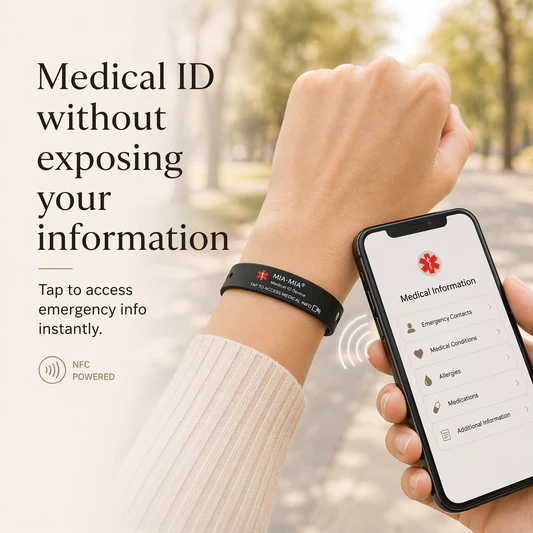
A LIFEKEY bracelet is engraved with a code. Link that code to your profile once, and the metal on your wrist carries everything a responder needs to look up.
Activate a bracelet
Both fields are needed: the engraved code says which band, and the private edit link proves the profile is yours.
What activation involves
- 1
Find the code on the band
It's engraved on the inside face, under the LIFEKEY mark — six to twelve characters. Dashes and capitalisation don't matter here.
- 2
Fetch your private edit link
The one you were told to keep secret. It's how we know the bracelet belongs to you, since there are no accounts to sign in to.
- 3
Activate, then test it
Once linked, open your public profile from another device the way a responder would. A bracelet nobody has tested is a guess.
No bracelet yet?
You don't need one. A profile works on its own — the band simply survives a flat battery and a locked screen. Create the profile first; a bracelet can be activated against it any time afterwards.
Replacing a band you already wear? Move your profile to a new code.