How it works
Set it up once.
Ready every day after.
LIFEKEY turns a few minutes of typing into a page a paramedic can read without a password. Here's exactly what happens, start to finish.

How it works
Three steps, then forget about it
The whole point is that you set it once and it's there on the worst day, working without you.
 01
Fill in what matters
Allergies, medications, conditions, blood type, and the people who should be called. Skip anything you don't have — only a name is required.
 02
Get two links
A public link to share or print, and a private link only you use to make edits later. No password to remember, no account to create.
 03
Keep it close
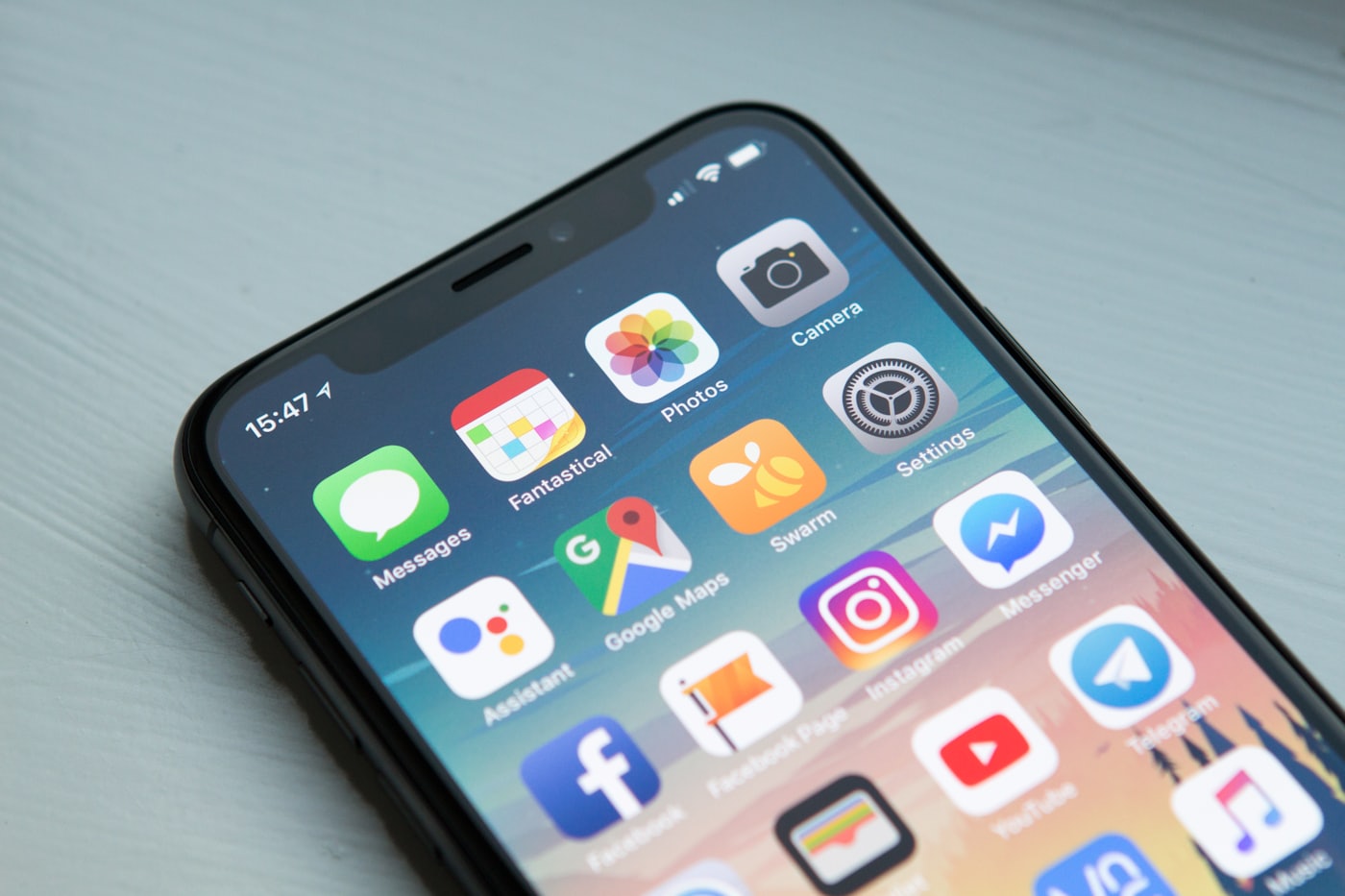
Save the public link to your lock screen, a wallet card, or a fridge magnet. Anyone can read it in a tap — no app, no login.
No app to install
Reading a profile is opening a plain web page. There is nothing to download during the worst minute of someone's day.
No account to create
There are no usernames and no passwords. Access is governed entirely by the two links you get back.
Always current
Edit a medication or a contact from your private link and the public page updates immediately. The fridge magnet never goes stale.
The whole security model
Two links. One you share, one you never do.
lifekey.app/p/k7m2qx
Short and safe to hand out. Print it, stick it on the fridge, save it to a lock screen. It only ever shows, never edits.
lifekey.app/edit/••••••••••••
A long, unguessable key that is the only way to change your profile. We keep it out of search results, caches, and referrer headers so it can't slip out of your browser.
There are no accounts and no passwords to breach. Access is the link and nothing else — which is exactly why the edit link is worth guarding.
Three minutes now, ready on the worst day
Fill in what matters, keep the public link close, and let it speak for you when you can't.