People with severe allergies
When a reaction makes it hard to speak, the one fact that changes treatment — penicillin, peanuts, latex — is already on the screen, in signal red.
LIFEKEY · readable in seconds
LIFEKEY builds an emergency profile a paramedic can open without a password — allergies, medications, and who to call, laid out so the critical details are impossible to miss.
Who it's for
If a stranger ever has to make a fast decision about your body, these are the details they wish they had.
When a reaction makes it hard to speak, the one fact that changes treatment — penicillin, peanuts, latex — is already on the screen, in signal red.

Diabetes, epilepsy, a heart condition, blood thinners — context a responder would otherwise have to guess at, ready before they ask.

Carry a profile for a child or a parent you look after. Hand the link to a babysitter, a school, or a sibling in seconds.
Real moments


A live profile
No dashboards, no clutter. The most time-critical fields sit up top in signal red; everything else is one glance away. Take a look at a complete example profile, laid out just like the page first responders open.
View the sample profileEmergency Medical Profile
Read-only · opens on a tap
No password, no app to install
Allergies
Surfaced first, in signal red
How it works
The whole point is that you set it once and it's there on the worst day, working without you.
 01
Allergies, medications, conditions, blood type, and the people who should be called. Skip anything you don't have — only a name is required.
02A public link to share or print, and a private link only you use to make edits later. No password to remember, no account to create.
 03
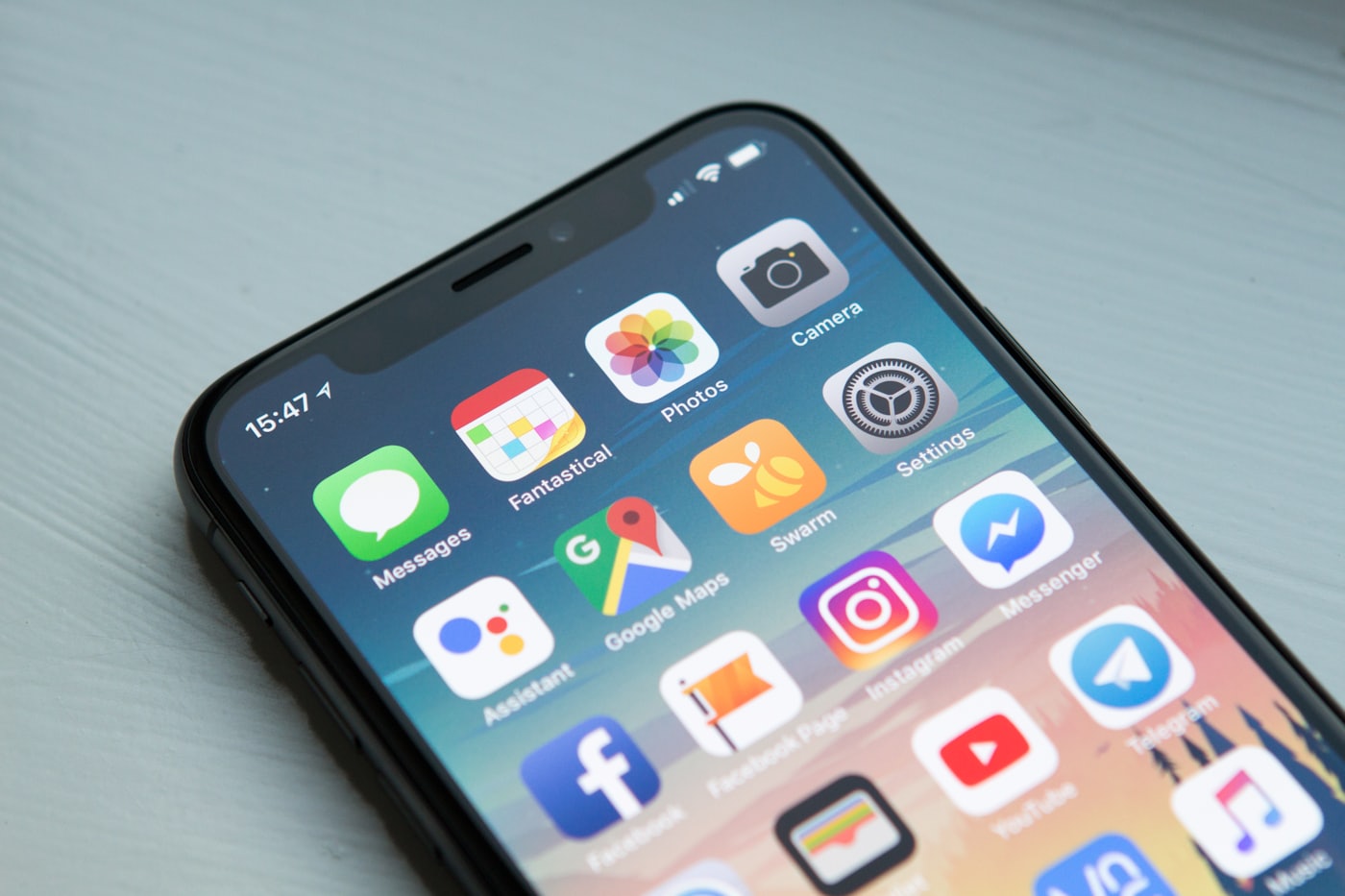
Save the public link to your lock screen, a wallet card, or a fridge magnet. Anyone can read it in a tap — no app, no login.
Why LIFEKEY
Every decision in the product answers one question: does this help a stranger act correctly, faster?
Allergies sit at the top in signal red — the one color reserved for the field that changes treatment fastest. Nobody has to hunt.
A responder opens a plain web link and reads. No app install, no account, no QR-code scavenger hunt during the worst minute of the day.
A short public link to share and print, and a long secret edit link only you hold. Share one freely; guard the other.
Profiles are kept out of search engines, never cached, and stripped of referrer data so your edit link can't leak through a browser.
Update a medication or a contact from your private link and the public page reflects it immediately. The fridge magnet never goes stale.
Creating a profile costs nothing, and reading one will never sit behind a paywall. Emergency information shouldn't have a checkout.
The whole security model
lifekey.app/p/k7m2qx
Short and safe to hand out. Print it, stick it on the fridge, save it to a lock screen. It only ever shows, never edits.
lifekey.app/edit/••••••••••••
A long, unguessable key that is the only way to change your profile. We keep it out of search results, caches, and referrer headers so it can't slip out of your browser.
There are no accounts and no passwords to breach. Access is the link and nothing else — which is exactly why the edit link is worth guarding.
Questions
No. You fill in a form, and you get two links back. Reading a profile is just opening a web page — there's nothing to download and nothing to sign into.
Anyone with your public link can read the profile — that's the point, so a responder can. We keep those pages out of search engines and browser caches, so they aren't discoverable; they're only reachable by someone you've shared the link with.
The edit link is the only way to change a profile, so save it somewhere safe — a password manager is ideal. If it's gone, you can always create a fresh profile and share the new public link.
Only with the private edit link. The public link is strictly read-only, so sharing it can never let anyone alter what it says.
Creating a profile is free, and reading one always will be. Emergency information shouldn't depend on a subscription being paid up.
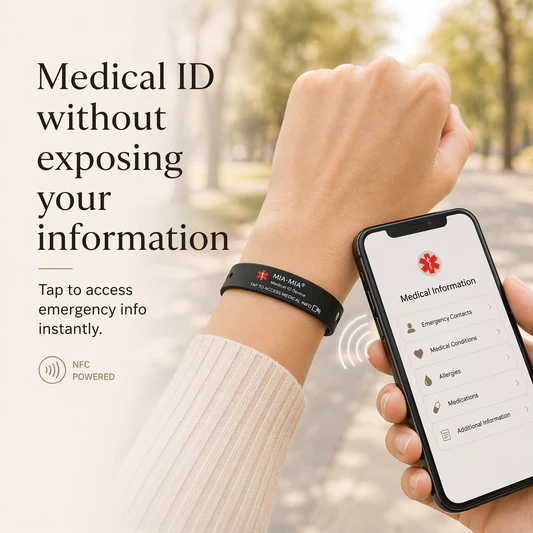
Most people keep the public link on a phone lock screen, a printed wallet card, or a medical bracelet. It's the same habit as an ICE contact — somewhere a responder already knows to check.
It takes about three minutes now, and it works on the day you can't do anything at all.